
Sharing a memorial with family
No one holds a whole life alone. A memorial becomes richer when the people who knew them can read it and add to it. Remember Me makes that possible while keeping the memorial private.
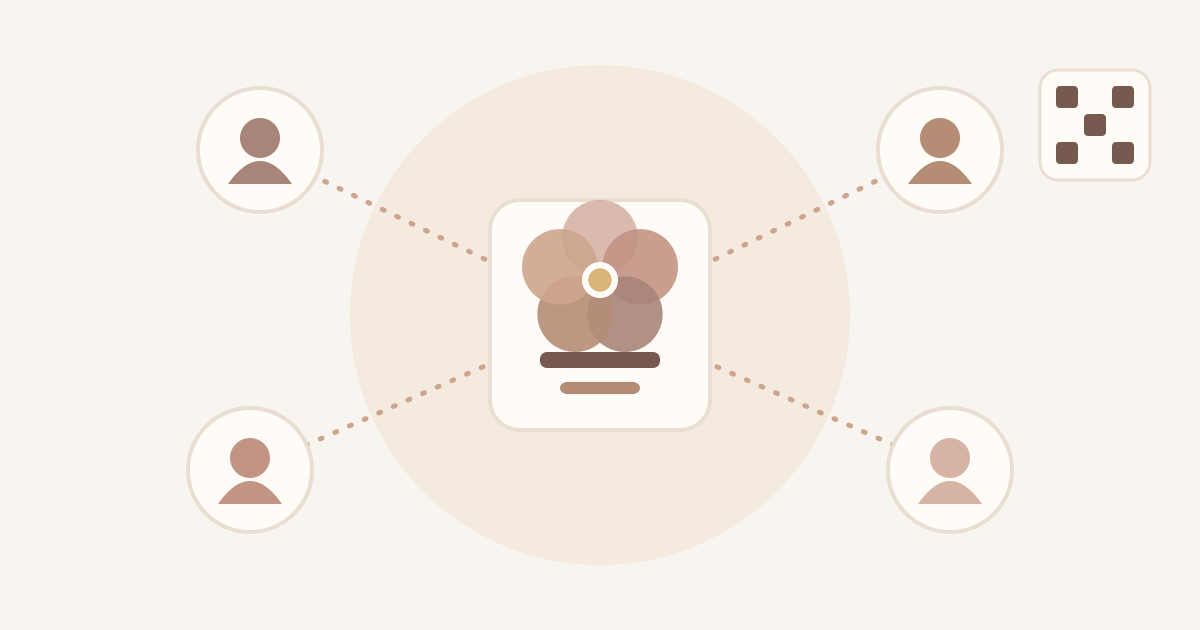
Private invitations
Only people you invite can open a memorial. You can send an invitation:
- as a link, through any messaging app on your phone;
- by email;
- as a QR code, which is handy when family are together in the same room.
Each invitation is for one memorial, can expire, and can be revoked before it is used.
Choosing a role
When you invite someone, you choose what they can do:
- Viewer: can read the memorial and see its photos. This is the default, and it is right for most people.
- Contributor: can also add chapters, events and photos.
- Admin: can also help manage the memorial and its members.
The person who created the memorial is its owner. Ownership can never be given away through an invitation.
Staying in control
As the owner you can change someone's role, revoke an invitation that hasn't been used, or remove a member at any time. When you remove someone, their access ends straight away.
Members are free too: anyone can leave a memorial they belong to. And if something in a memorial worries you, you can use Report a concern in the app, or write to support@remember-me.app.
A few gentle suggestions
- Start small. Invite one or two people who will enjoy helping, then widen the circle.
- Tell people what you'd like from them, for example "could you write the chapter about your years in Lyon?"
- Not everyone will want to contribute, and that's fine. Reading the story is a way of taking part too.
Invitations are private links. Please only share them with the people they are meant for.